Template:Table-End
Example
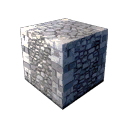 Stone Cube Stone Cube |
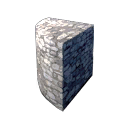 Small Round Corner Small Round Corner |
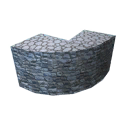 Large Round Corner Large Round Corner |
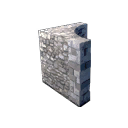 Round Interior Round Interior |
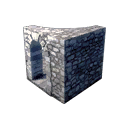 Round Interiors With Doors Round Interiors With Doors |
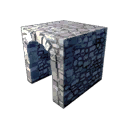 Small Arch Small Arch |
Usage
The Table-End template is meant as an easy way to end a table. It closes both the last row and the table. It is used with Template:Table-Start, Template:Table-Cell, Template:Table-ImageCell, Template:Table-ImageNumberCell and Template:Table-AddRow.
{{Table-End}}
- The code above can be pasted into your page to end a table.
- Forgetting Table-End is usually bad. If your table goes rogue, you've probably forgotten this.
Example Source
{{Table-Start}}<!--Top of the table: Row 1 -->
{{Table-ImageCell|StoneCube.png|Stone Cube}}
{{Table-ImageCell|StoneRoundedFull.png|Small Round Corner}}
{{Table-ImageCell|StoneRoundLargeFull.png|Large Round Corner}}
{{Table-AddRow}}<!--Add a new row: Row 2 -->
{{Table-ImageCell|HouseStoneRoundIn.png|Round Interior}}
{{Table-ImageCell|StoneRoundInDoorLeft.png|:Category:Block Group/Round Interiors With Doors{{!}}Round Interiors With Doors}}
{{Table-ImageCell|StoneArchFull.png|Small Arch}}
{{Table-End}}<!--Finish the table - Forgetting this will cause trouble -->